Onboarding Journeys
Part of Post-purchase customer education journeys
Using customer actions to stop unnecessary guidance
An education journey should stop asking a customer to do something they already did.
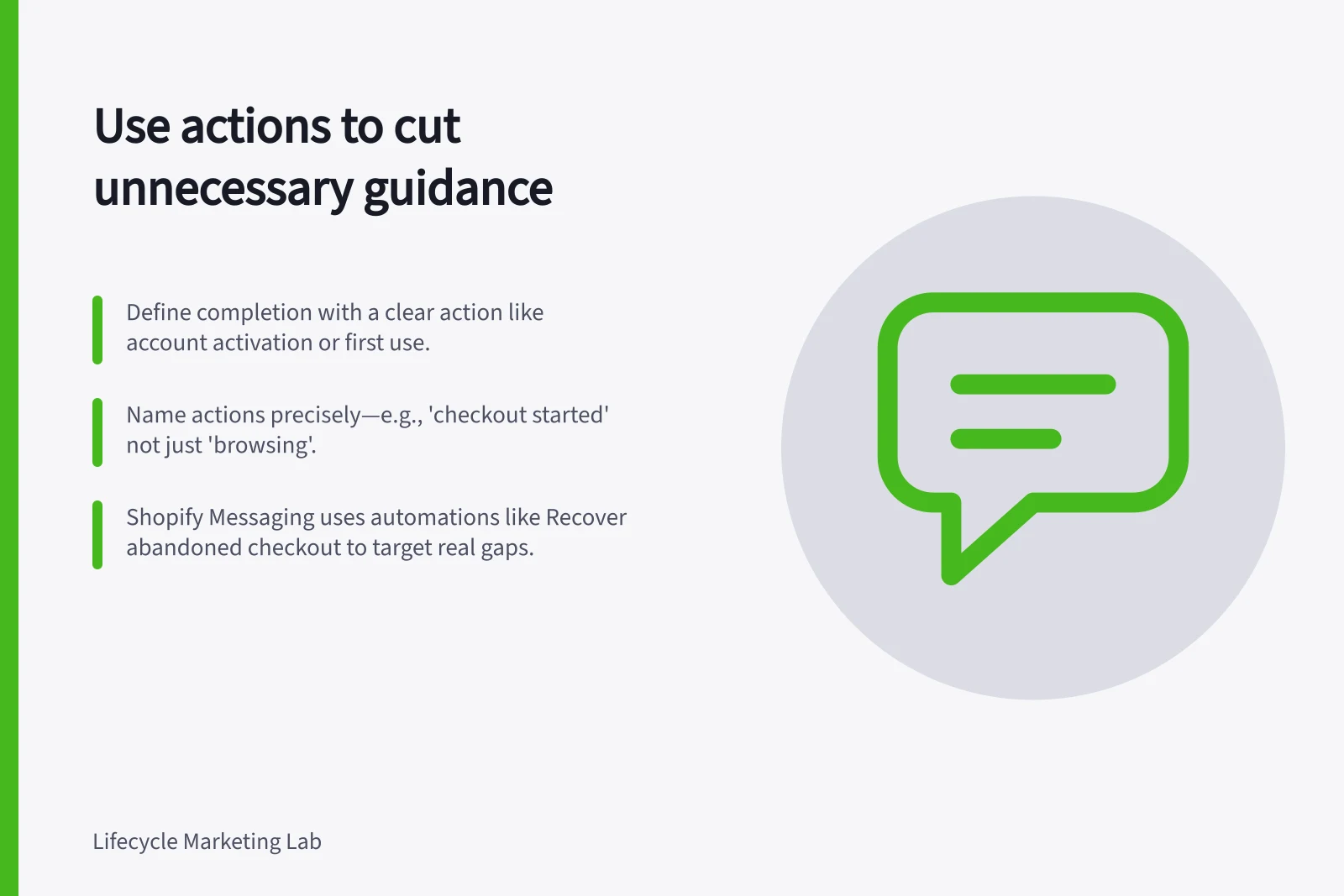
Define a completion signal for each step before scheduling its message. Choose a customer action that proves the task is done, such as account activation, first successful use or confirmation of a particular setting.
Name the action precisely in your journey logic. A product view can mean curiosity rather than completion, and a support agent may finish setup on the customer's behalf.
Shopify Messaging can send email and SMS when customers take store actions, including browsing a product or abandoning a checkout. Its named automations include Convert abandoned product browse, Recover abandoned cart and Recover abandoned checkout.
Those automations distinguish a product view without a cart addition or purchase, a cart addition without checkout, and a checkout start without a completed order. Use these conditions to define which customers still need a reminder.
For example, treat a started checkout as eligible for a reminder only while no order is complete. Once order completion is confirmed, suppress the checkout guidance; Shopify's Recover abandoned checkout automation is based on customers starting checkout but not completing an order.
Check that the selected action reflects the intended task and decide how quickly it needs to reach the messaging system. Shopify offers pre-built automation templates, but verify that the event and condition available to you match your journey rule.
Set an exit or branch rule so confirmed completion stops the basic reminder. Offer a relevant next step later, rather than repeating guidance for a task already done.
When a return, cancellation or complaint occurs, suppress the ordinary education path. Prioritise the service response.
Test cases where events arrive out of order and where events arrive twice. Check that neither case leaves a completed customer eligible for an unnecessary reminder.
Review customers who received unnecessary messages and identify whether the cause was a missing event, late synchronisation or a rule with the wrong definition. Shopify provides metrics and reports for reviewing marketing automation performance.
Correct the logic before adding another generic exclusion. Fewer irrelevant messages is a useful outcome even if it lowers raw send volume.
Customer Actions vs. Incomplete Triggers in Onboarding
- Action That Indicates Completion
- Account activation, first successful use, completed checkout, saved settings
- Action That Does Not Indicate Completion
- Product browse, cart addition without checkout, partial form entry
Key Metrics for Monitoring Automation Effectiveness
- Unnecessary messages sent
- Track reduction after logic correction
- Event sync latency
- Measure time between action and system recognition
- Completion rate per step
- Use to validate whether signals are correctly defined