Channel Orchestration
Part of Cross-channel lifecycle orchestration
Choosing between email, in-app and SMS for a journey step
Choose email, in-app or SMS for one lifecycle step using the customer's task, timing, permission, display conditions and fallback.
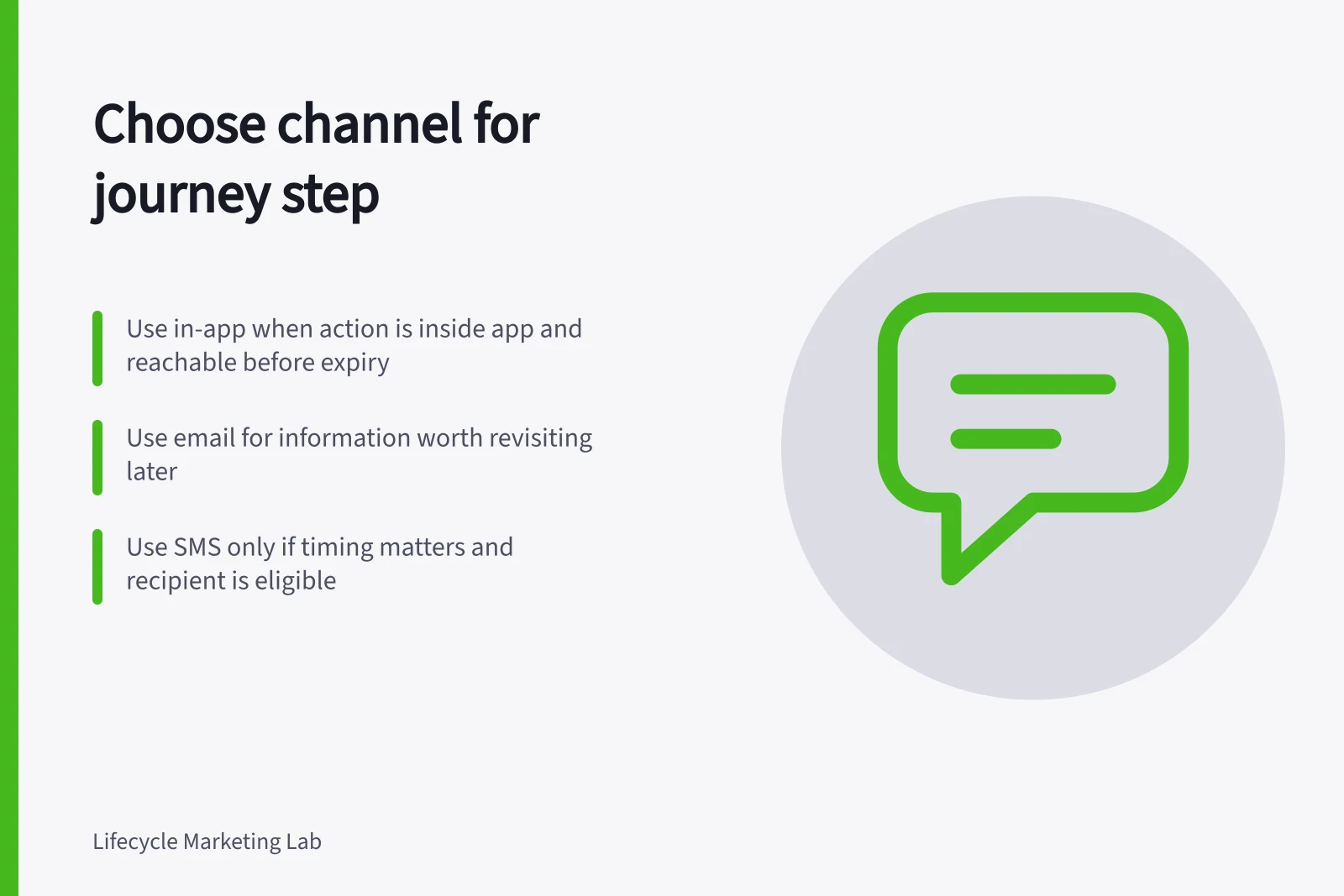
For one journey step, name the customer action, where they can complete it and the last point when the instruction remains useful. Choose in-app when the action is inside the app or website and the person can reach it before expiry; choose email for information they need to keep; choose SMS only when waiting for a reasonable return to those channels would make the action moot and SMS eligibility is confirmed. If none qualifies, skip the step.
An email address, phone number or app account provides a possible route, not a reason to use it.
Match the channel to the task
Describe the customer's current question and the one action that would answer it. If no message changes what they can do, skip the step.
| Channel | A useful fit | Check before choosing it |
|---|---|---|
| In-app | Guidance beside a task being done in the product | Will the person visit the relevant screen while the guidance is useful? |
| Instructions or context worth revisiting | Will the message remain accurate when read later? | |
| SMS | A brief update whose timing matters | Is the timing important, the wording clear and this recipient eligible? |
When more than one channel fits, use the one that puts the action where the customer can complete it. Prefer in-app for an action inside the app or website, email for information worth revisiting, and SMS only when waiting for either would make the action moot and SMS eligibility is confirmed.
These are selection criteria, not performance rankings. In Customer.io, an in-app message can wait until the person opens the app; it can expire before then. Other products may handle display and expiry differently.
Email can arrive promptly yet be read too late. SMS can interrupt at an inconvenient moment.
Consider a customer arranging an appointment. Choose an in-app message for an explanation beside an available time when the booking action is in that experience and display is configured. Choose email for a preparation list for a confirmed appointment because the customer can keep it for later.
Choose SMS for a short change to an imminent appointment only if the customer needs to act before they can reasonably return to email or the app, and the number, permission where applicable, and process for replies or failures are in place. The choice depends on the service's records and the message's purpose.
Before choosing in-app, check that the person can be identified for the message and can open the app or website before the message expires. In Customer.io, messages wait until the person opens the app or website; they can be targeted by ID or email, and in-app messaging requires the relevant SDK setup.
If using Customer.io page rules, check that screen tracking is in place and the page rule matches the screen title. Page rules are case sensitive; an unrecognised page means the audience will never see the message.
Check permission and relevance
Before sending, confirm the recipient is eligible for the message. For SMS marketing, check the consent basis under the Spam Act 2003, administered by the ACMA, and confirm the recipient has not opted out.
Permission and relevance are separate checks. A permitted message may be stale; a useful one may lack permission. Check whether the person has already acted, opted out, raised a relevant issue or received the same instruction elsewhere.
Key compliance and performance facts (Australia)
- Spam Act 2003 enforcement body
- ACMA
- Recent spam report period
- January–March 2026
- In-app messaging dependency
- Requires SDK setup and user identification
Set an expiry and a fallback
Decide what happens if the chosen channel is unavailable, the person never sees the message or the task is completed while it waits. A fallback can be another channel after a fresh eligibility and relevance check, a service handover or no message.
If SMS eligibility is unknown, do not use SMS. Choose email or in-app only if that channel is eligible and can still help with the task; otherwise use a service handover or send no message.
Do not move a completed-task reminder to SMS because an email was skipped. Give time-sensitive guidance an expiry so it does not appear after the decision has passed.
Before release, inspect the configured path for someone active in the product, someone who never returns, someone who completes the task during a delay and someone whose SMS eligibility is unknown. The chosen channel should give the customer one usable next step while it can still help.