Onboarding Journeys
Part of Lifecycle message rules and exclusions
Preventing customers from restarting a completed journey
Define completion and re-entry by person, account or task so duplicate events do not replay a finished lifecycle journey.
To stop a finished journey restarting, define what completion means, record it against the right person, account or task, and check that record before a new entry. A “one time” setting can be too broad for a repeatable task; an every-event setting can replay a finished one.
Define completion and the instance
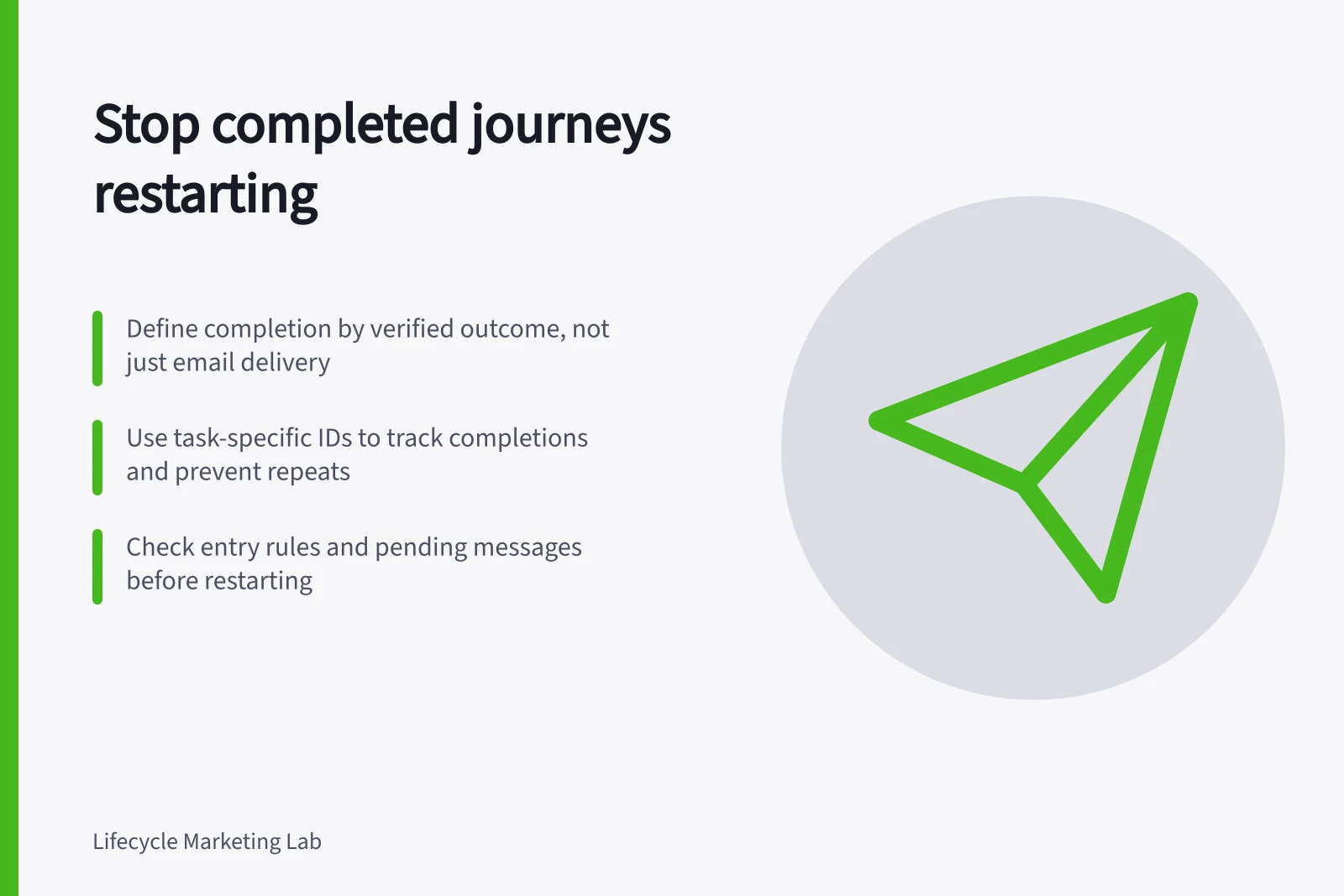
Completion should be a verified customer or process outcome, not merely delivery of the last scheduled email. A first-setup journey might end at a confirmed usable task. An appointment journey might end at a completed appointment for a particular booking ID. The definition depends on the journey’s job.
Keep the journey purpose, person or account ID, task or transaction ID where relevant, outcome, occurrence time and source together. Allow corrections: a completion attached to the wrong account should not permanently block the right customer from help.
| Later history | Re-entry decision to consider |
|---|---|
| Same completion event arrives twice | Keep the completed instance closed. |
| Person signs in after finishing first setup | Do not replay first-setup messages. |
| A genuinely new appointment is booked | Consider a new instance keyed to the new booking. |
| Completed task is reopened | Preserve genuine historical completion; address the current problem without automatically replaying the introduction. |
| Completion was recorded in error | Correct the record and reassess eligibility. |
Write permitted re-entry cases beside the completion definition.
Steps to Prevent Repeating a Completed Journey
- Define completion clearlyLink completion to a verified outcome (e.g., confirmed booking ID, task status) rather than just email delivery.
- Record completion with contextStore person/account ID, task ID, outcome, time and source to ensure accurate tracking.
- Implement entry guardsCheck completion status before allowing a new journey instance; prevent replay via system-level logic.
- Handle exceptions deliberatelyAllow resets only with clear justification (e.g., data correction, genuine new task), and log the reason.
Match entry control to the task
For legacy segment-triggered automations with filters, Customer.io documents Frequency options of One time, Every re-match and At fixed intervals. One-time entry applies to the person entering that automation; Every re-match allows entry after the person stops matching and then matches again.
It can suit a genuinely once-only introduction, but cannot on its own distinguish a new booking from a repeated event for an old booking. A repeatable journey needs a stable task identifier and a task-specific completion check in the actual system used.
Check delayed steps as well as entry. Someone may enter, finish the task during a wait and still have a reminder pending. The entry guard stops a new instance; a current send condition or exit rule handles the old one. Review other campaigns using the same milestone.
Entry Control Options in Customer.io: One Time vs Every Re-match
- One TimeAllows entry only once per person. Suitable for genuinely one-off tasks like first-time setup.
- Every Re-matchAllows re-entry when a person stops matching and then matches again. Risk of replaying completed journeys if not paired with task-specific checks.
Pros and Cons of Using 'One Time' Entry for Repeatable Tasks
- ProsSimple to implement; prevents unintended repeats for truly one-off events.
- ConsCannot distinguish between a new booking and a repeat of an old one without additional task-specific logic.
Make exceptions deliberate
A repeated task may deserve a new journey instance if the task itself is new. Decide who may reopen a closed instance after a data correction or a request for help, and record the reason for the reset.
Before release, compare the written rule with histories containing a duplicate event, a second genuine task, a corrected completion, an account change and completion during a delay. Inspect the instance key, entry rule and waiting-message path in the configured system.
Pre-Release Validation Checklist for Journey Completion Logic
- Verify duplicate event handlingEnsure the same completion event does not trigger a new journey instance.
- Test genuine new task detectionConfirm a new booking or task triggers a fresh journey, not a replay.
- Review data correction scenariosCheck that corrected completions do not block legitimate re-entry.
- Inspect waiting message pathsEnsure pending reminders from old instances are handled correctly after exit rules.