
Channel Orchestration
Part of Customer milestone and expansion journeys
Avoiding upsell messages during an unresolved support issue
Pause commercial messages when relevant support issues are unresolved, then reassess the offer before any journey resumes.
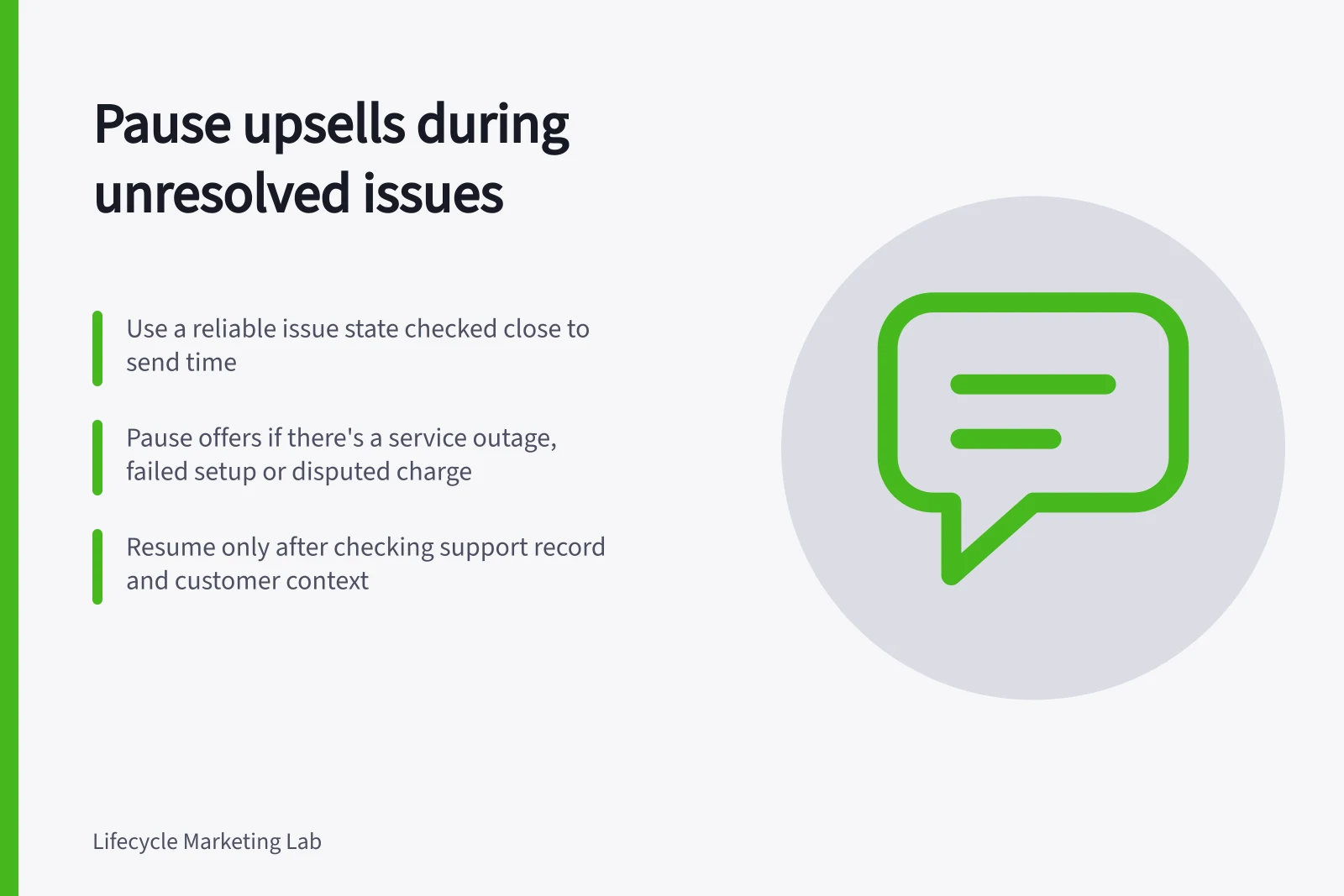
Pause an upsell when an unresolved issue makes the offer inappropriate. The rule needs a reliable issue state, a check close to sending and a defined way to resume. A pause checked only when the journey begins can miss a problem opened during a delay.
Decide which issues pause the offer
Start with the customer's experience, then map it to support data. A service outage, failed setup, missing delivery or disputed charge may make an upgrade message unsuitable. A minor question about an unrelated feature may need a different response.
Define the categories and severities that pause commercial messages. Give support a way to review exceptions.
Specify whether the rule applies to one contact, the whole account or both. An account-wide incident may affect everyone; a private billing enquiry may require narrower handling.
The systems need a dependable identifier connecting the issue to the recipient. If that connection is uncertain, review the case before sending.
Treat resolution as a new decision
Use three working states: clear, paused and ready for review. A relevant unresolved issue moves the contact or account to paused. A resolution moves it to ready for review. Resume commercial outreach only after checking the support record, customer context and offer again.
A solved ticket is not proof that the customer is satisfied. In Zendesk, a requester's reply can reopen a solved ticket, while a reply to a closed ticket creates a follow-up ticket. Map the states in the support system actually in use, including reopened and linked cases.
Keep necessary service messages available while the upsell is paused. A broad suppression control can also block those messages. Braze's suppression lists, for example, can cover transactional email unless an exception applies.
Check the delivery path used for both commercial and service messages, because suppression behaviour can vary by channel and by how a message is sent.
Check at the send point
Confirm the current issue state, whether the upgrade still helps, whether sales has taken over and whether the recipient remains eligible. If a relevant ticket opens during a delay, cancel the commercial step. If the issue closes after the offer has become stale, reassess it instead of releasing the waiting message unchanged.
Review example histories: an issue open before entry; one opened between messages; a ticket solved and reopened; a billing dispute involving another contact at the account; and an unrelated low-severity question. Record the expected pause, permitted service communication and condition for resuming. During rollout, compare sent and skipped messages with those expectations.


