Channel Orchestration
Part of Lifecycle operations and monitoring
Checking message queues after a data outage
Separate delayed data from message states after an outage, triage stale sends and verify a controlled restart.
After a data outage, identify which events were missed or delayed and which messages remain under your control. Hold messages whose customer claims may be stale, restore the data path, then decide which waiting messages should send, be replaced, expire or go to a person. A recovered feed does not make a backlog safe.
Separate the backlogs
Location / Question to answer
- Source or integration backlog
- Which actions occurred but have not reached the messaging system?
- Journey wait or time window
- Which customers are due to reach another step?
- Drafted message
- Which messages require a manual send decision?
- Queued message
- Which messages are being prepared but have not been attempted?
- Attempted or provider-handled message
- Which messages may already be moving beyond the platform's control?
In Customer.io, Drafted requires manual sending. A Queued message is not counted in Sent metrics because it has not been sent yet. Check the actual system's definitions: an 'unsent' total can mix states that need different responses.
Message States After a Data Outage: What to Do
- Source or integration backlogIdentify actions that occurred but did not reach the messaging system; reconcile with source records before replaying.
- Journey wait or time windowCheck if customers are due to advance in a journey; verify timing against outage window.
- Drafted messageRequires manual send decision; do not auto-send without review.
- Queued messageNot counted as sent; still under platform control; assess for expiry or replacement.
- Attempted or provider-handled messageMay be beyond platform control; check delivery status, not just 'Sent' label.
Establish the affected window
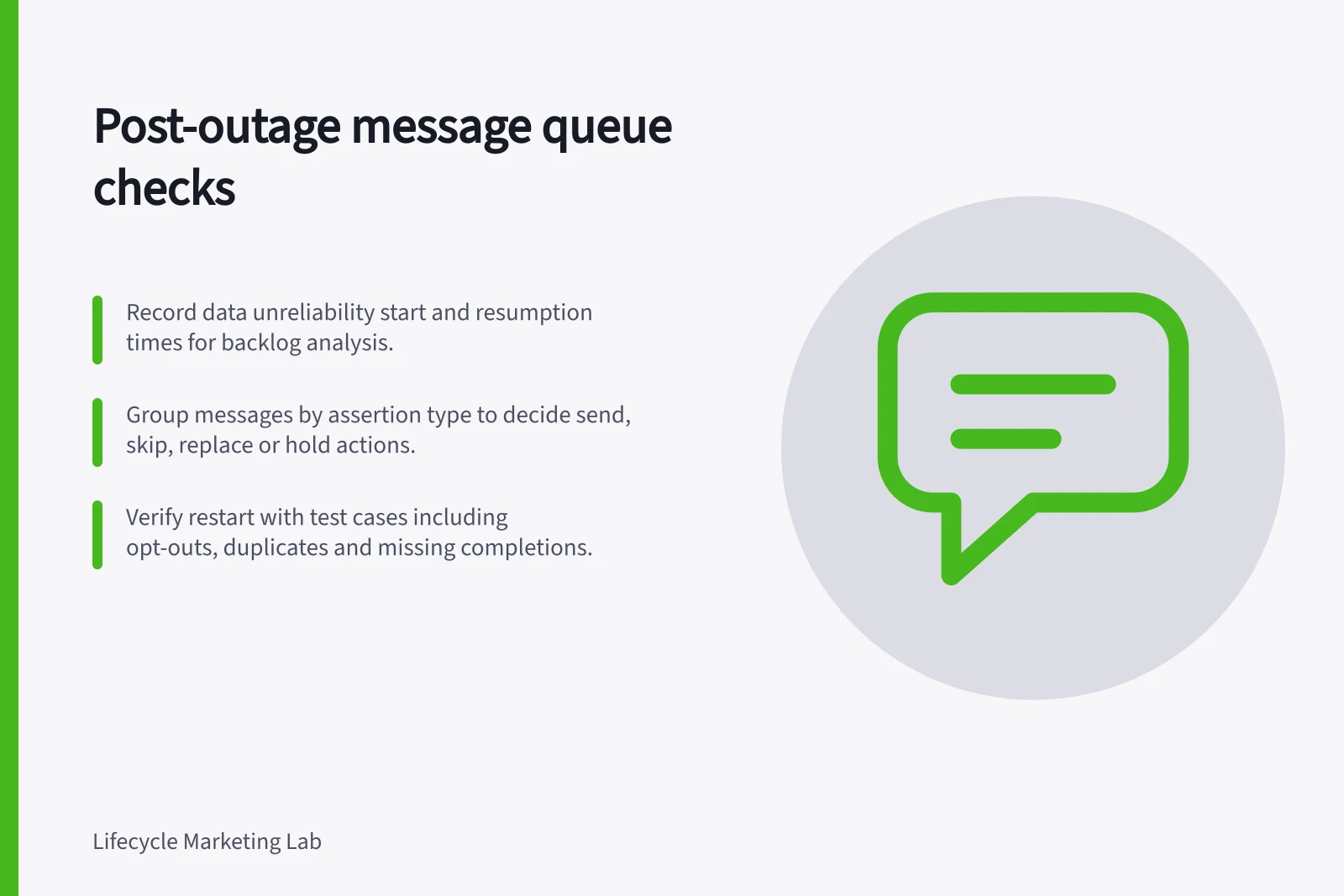
Record when source data became unreliable, when processing resumed and which journeys depended on it. Compare occurrence and processing times.
A late completion may invalidate a reminder still waiting; a late or backdated entry event may fail the conditions for an event-triggered automation. Check whether other systems continued sending.
Use source records to distinguish events that never arrived from those processed late. Reconcile affected people, accounts or tasks before replaying events. Existing journey instances and repeat-entry settings can make an indiscriminate replay produce duplicate paths.
Establish the Affected Window
- Outage start
- Record when source data became unreliable (e.g., system failure, network loss).
- Processing resumed
- Document when systems restarted and data flow resumed.
- Journey dependencies identified
- Map which journeys relied on the affected data stream.
- Event reconciliation complete
- Distinguish events that never arrived from those processed late.
- Replay risk assessed
- Check for duplicates due to repeat-entry settings or existing journey instances.
Triage messages before release
Group waiting messages by the fact they assert. A general help message may remain useful; 'you have not finished' needs dependable current completion data. A deadline, plan or offer message needs current terms.
For each group, check the recipient's present state, permission, earlier sends and expiry. Record a decision to send, skip, replace or hold for review.
Customer.io's Queue Draft setting shows why a restart needs a separate decision: switching a live message to Send Automatically affects future messages, while existing drafts still need handling. Shortening a live delay can move waiting people forward. Inspect those settings before changing them. These effects depend on the configured workflow.
Triage Messages Before Release
- Group messages by assertion typeClassify as general help, completion reminder, deadline, plan, or offer.
- Check recipient state and permissionsVerify current status, opt-out status, previous sends, and message expiry.
- Decide on actionChoose to **send**, **skip**, **replace**, or **hold for review**.
- Review workflow settingsAdjust delay times or draft status carefully—changes affect future messages.
Verify the restart
Check representative affected histories before wider release: completion during the outage, no completion, an opt-out, a message already sent and a duplicate event. Compare expected decisions with the configured journey and message states. Check delivery statuses rather than relying on the Sent label alone.
Watch new event processing and new sends separately from the old backlog. Record stale messages withheld, messages that could not be recovered and any customer follow-up required. Close the incident after checking the source, journey and delivery paths.
Verify Restart After Outage
- Check representative customer historiesInclude cases with: completion during outage, no completion, opt-out, already sent, duplicate event.
- Compare expected vs actual decisionsEnsure journey logic aligns with current states after recovery.
- Monitor new event processing separatelyTrack new sends and old backlog independently to avoid confusion.
- Record stale or unrecoverable messagesNote any messages withheld or unable to be delivered; plan customer follow-up if needed.
- Close incident after validationConfirm source, journey, and delivery paths are stable and compliant.