Channel Orchestration
Part of Lifecycle message rules and exclusions
Defining which journey takes priority when triggers overlap
Resolve overlapping lifecycle triggers with a precedence rule based on permission, current need, real deadlines and message validity.
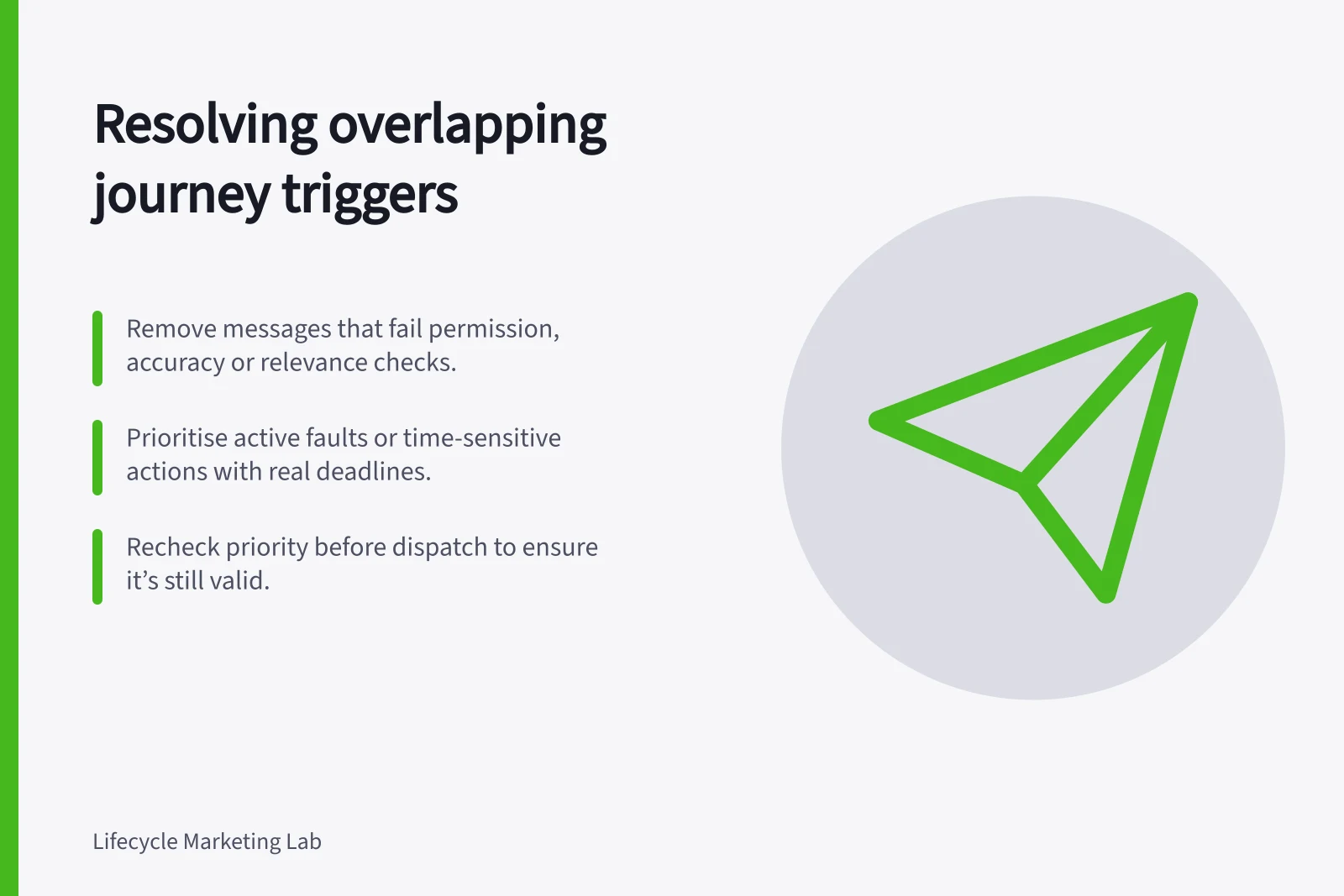
When two journeys qualify at once, first remove messages that fail permission, accuracy or relevance checks. Decide which remaining response gets the contact opportunity. Document that precedence so trigger order and schedule timing do not choose by accident.
Identify the competing requests
Two journeys may serve different tasks without competing. A collision needs a decision when their messages ask for incompatible actions, repeat a request, or contend for the same limited contact opportunity.
Compare the proposed sends by recipient, account, task, evidence, main request, expiry and owner. A journey name such as “onboarding” does not establish priority over “renewal”; a verified deadline or active service problem may change the choice.
Set a precedence rule
- Remove sends that are impermissible, expired or unsupported by the current record.
- Give an active fault or human-owned conversation its appropriate route, and hold automation that would contradict it.
- Protect a verified time-sensitive customer action, such as a decision with a real deadline.
- Choose the response that best enables the customer’s next task. If both remain useful, combine them only when one clear message can do both jobs; otherwise defer one with an expiry.
This is a proposed operating policy, not a universal ranking. Record exceptions and their owner. A necessary account notice should retain an appropriate route when a promotion is held.
Suppose a customer reports failed setup just as a feature-expansion prompt is due. Address the fault first. Reconsider the expansion prompt after resolution rather than releasing it unchanged.
If the triggers concern different members of a shared account, establish whether the issue affects both before applying an account-wide hold.
Recheck at dispatch
A priority chosen at entry can become stale during a delay. Check current task state, earlier sends, service ownership and other queues near dispatch.
Record the selected response, the suppressed or deferred candidate and the reason. Recheck a deferred message before it is released.
Braze’s Message Prioritization can evaluate scheduled campaigns, action-based campaigns, Canvases and API-triggered campaigns. A message must be opted in to prioritisation, assigned a category and count towards the same frequency capping rule within the same capping window to compete.
Braze describes Message Prioritization as an optional layer on top of frequency capping.
If sending a lower-priority message would prevent a higher-priority message from sending later, the lower-priority message is not selected; it is retried the next day if it has a retry window, or aborted if it does not.
Walk through histories with simultaneous triggers, a late event, a support issue opened after scheduling, a decision by another account contact and a deferred message that expires. Write down the expected winner or no-send decision, then compare it with each configured sending path.
Braze Message Prioritization Requirements
- Eligible Campaign Types
- Scheduled campaigns, action-based campaigns, Canvases, API-triggered campaigns
- Opt-In Required
- Yes – messages must be opted in to prioritisation
- Frequency Capping Rule
- Same capping window required to compete
- Priority Enforcement
- Lower-priority messages retried next day or aborted if no retry window