Lifecycle Segmentation
Part of Lifecycle marketing across the customer journey
Mapping lifecycle stages to observable customer actions
Turn lifecycle labels into inspectable action rules, with reliable events, clear limits and a way to handle unknown states.
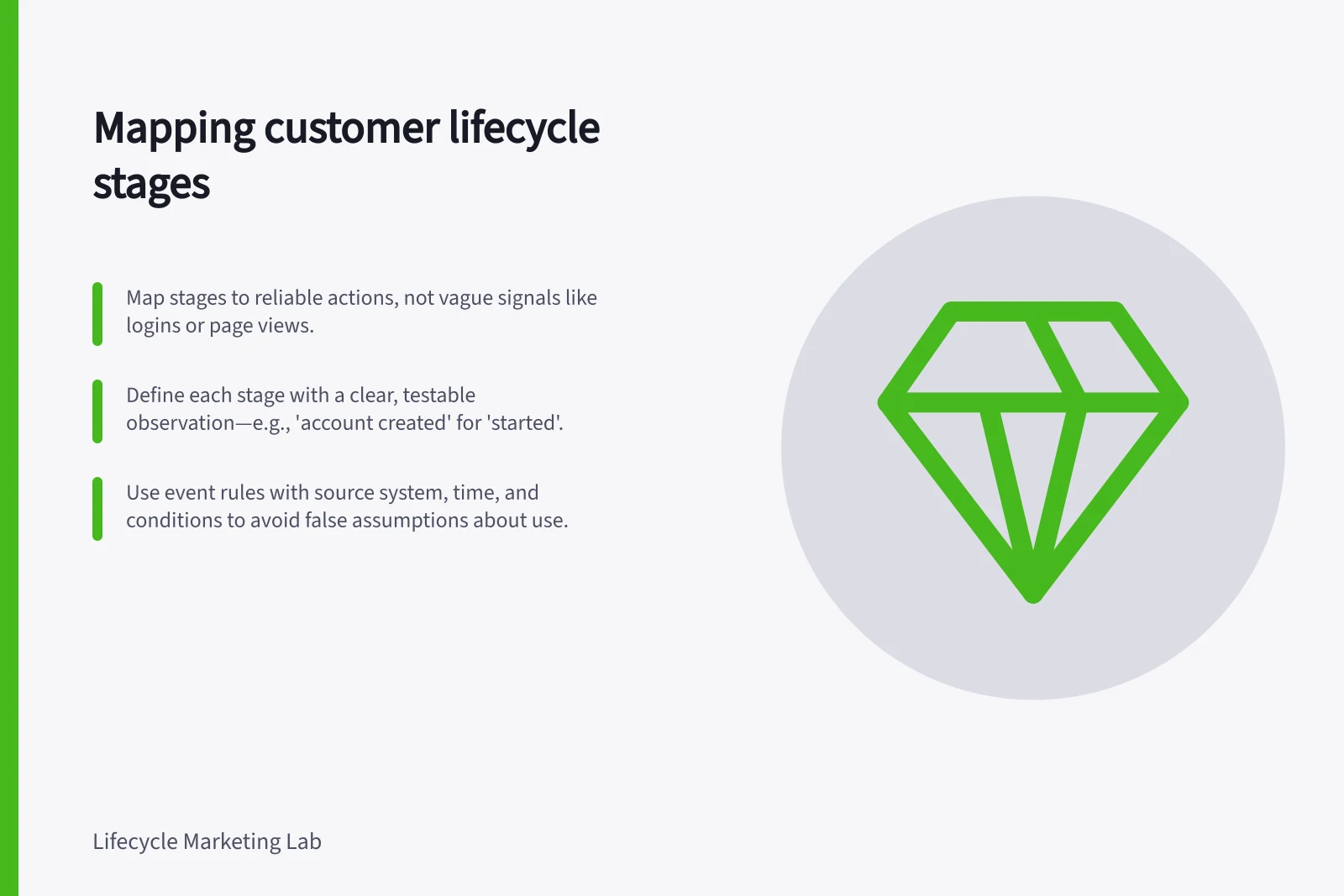
Map a lifecycle stage to an action only when that action is reliable evidence of the state you want to describe. Start with the customer task, choose a clear completion signal, and record what weaker signals leave uncertain. A tidy stage label cannot repair an ambiguous event.
Define what the stage means
Write a definition a colleague could apply to a customer history. In a hypothetical service, started might mean an account was created; using might mean a first task was completed successfully. A login or setup-page view may occur along the way, but neither proves completion.
| Proposed state | Stronger observation | What remains uncertain |
|---|---|---|
| Interested | A person requests specified information | Whether they intend to buy |
| Started | An account is successfully created | Whether setup or use has succeeded |
| Using | A defined task is successfully completed | Whether the outcome met the customer's need |
| Continuing | A current agreement or repeat activity is verified | Whether future participation is assured |
These definitions are illustrative. Replace them with actions that fit the business and the decision the stage will drive. If a stage controls a message, its evidence must justify the message's wording.
Write an event rule someone can inspect
For each action, specify the source system, event name, person or account identifier, occurrence time, required properties and the condition that makes it valid. Decide whether an attempt, submitted request or confirmed result counts. If customers can complete the task outside the product, say how that result enters the record.
Keep the time an action occurred distinct from the time a messaging system processed it. Late or backdated events can affect what appears current. Decide how duplicate events are handled and whether a rule applies to a person or an account.
Some evidence remains useful indefinitely as a historical milestone, such as a completed first task. A claim about recent use needs a defined observation period. If a completion event is missing, do not silently substitute a page view. Mark the state unknown, use cautious wording or avoid the message.
Pros and Cons of Using Page Views vs. Completion Events for Lifecycle Tracking
- Pros of using completion eventsProvides reliable proof of progress; aligns with intended user outcomes; supports accurate segmentation and messaging.
- Cons of using completion eventsMay require integration with external systems if tasks occur offline; harder to track without robust event logging.
- Pros of using page viewsEasy to track across platforms; low implementation barrier; useful for engagement monitoring.
- Cons of using page viewsNot definitive proof of completion; can be misleading (e.g., accidental clicks); may overestimate progress.
Check the map against customer histories
Review representative records with the people who own product, sales and service data. Include a quick completion, an abandoned attempt, an offline completion, duplicate events and a late event. For each record, compare the rule's assigned stage with what the customer appears able to do.
Do not assume a CRM's default lifecycle field expresses your intended state. HubSpot, for example, describes its lifecycle stages as marketing and sales categories, and its default automatic updates move that property forward. Check a field's configured meaning before treating it as proof of current product use.
Keep the stage map separate from the send rule. Someone may qualify as started while being ineligible for a particular marketing message. The stage describes an observed state; the send decision also needs current permission, relevance and exclusions.