Channel Orchestration
Part of Lifecycle marketing across the customer journey
Distinguishing journey orchestration from individual campaigns
Learn when a single campaign is enough and when changing customer actions call for an orchestrated journey.
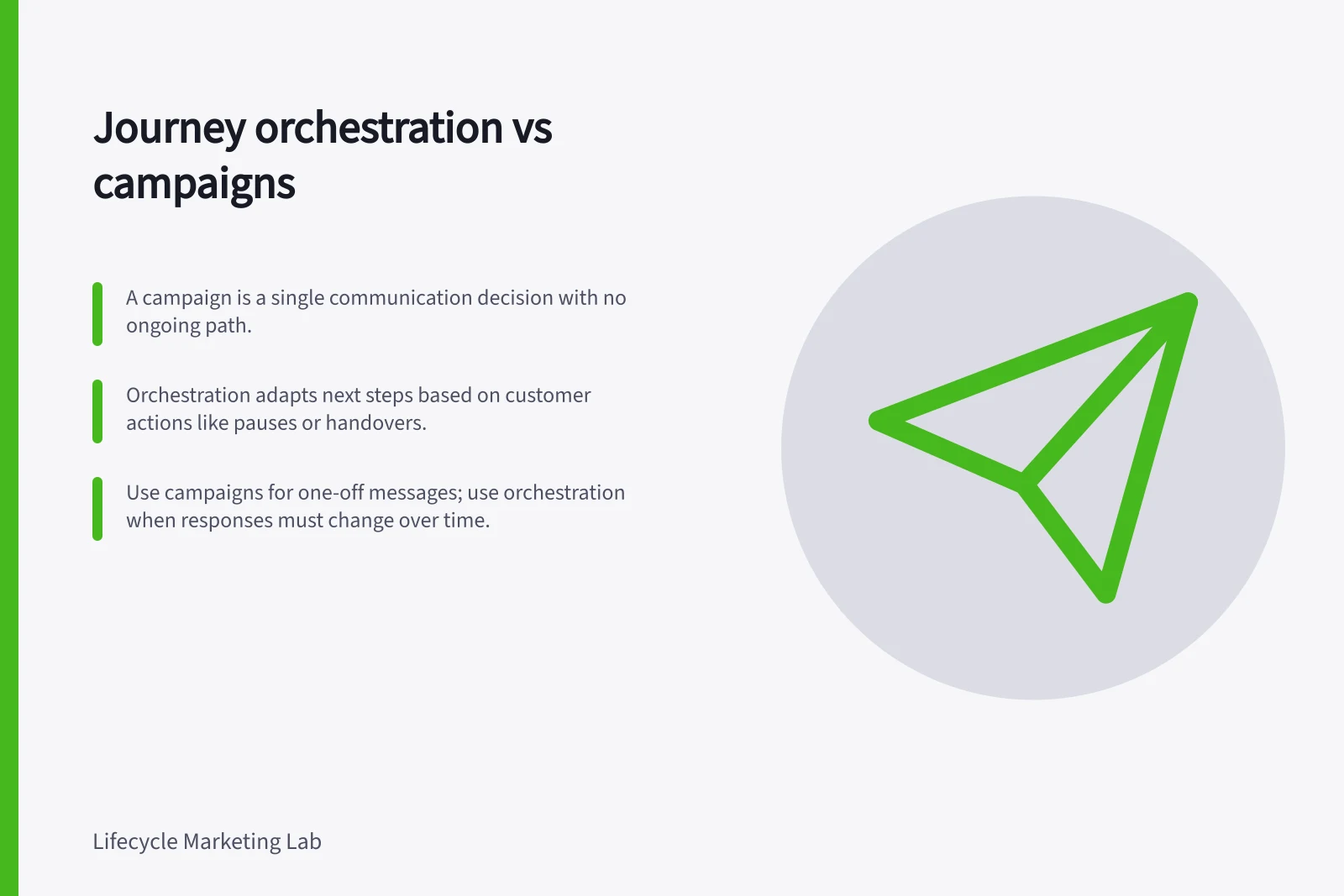
An individual campaign makes a defined communication decision for an audience. Journey orchestration keeps deciding what happens next as a customer's circumstances change: whether to send, pause, hand over or end the path. The distinction lies in the decisions the design makes, not the number of messages or the software feature's name.
| Question | Individual campaign | Orchestrated journey |
|---|---|---|
| What starts it? | A planned send or defined trigger | A customer state or event that begins a continuing path |
| What happens after a customer action? | Often a report or a separate decision | A defined branch, pause, handover or exit |
| When is it finished? | After the planned communication | When the path reaches its outcome or no longer fits its purpose |
This is a planning comparison, not a rigid product taxonomy. Customer.io, for example, offers API-triggered broadcasts with workflows and flow control blocks. An automation can also have a short workflow. Inspect what the design does for each customer.
Use a campaign when one decision is enough
A single announcement to eligible customers needs audience selection, permission checks and measurement, but may not need an ongoing journey. Make the purpose and exclusions explicit. If later customer actions do not call for a different response, extra branches add maintenance without helping the customer.
An automatically triggered message can also be a narrow communication. A factual receipt following a purchase answers a transaction on its own; automation does not turn that receipt into journey orchestration. If a receipt includes promotional content, assess it under the applicable marketing rules rather than assuming its transactional label settles the question.
Orchestrate when later actions change the answer
Imagine a hypothetical customer who starts account setup. If setup completes, a reminder becomes irrelevant. If the customer reports a fault, help should replace the ordinary prompt.
If neither happens, a brief instruction may still help. This path needs an entry condition, a wait, checks for different outcomes and an exit. Write the decisions in plain language before building the workflow:
- What evidence admits someone to the journey?
- Which action shows progress, and which event calls for help or a pause?
- What must still be true immediately before each message?
- Which outcome closes the path, and can the person re-enter?
- Who handles a case the data cannot classify?
A delay alone does not ensure that a later message remains relevant. Check how the chosen product handles exits, message-level conditions and messages queued elsewhere. Customer.io documents configurable automation exit conditions and message action conditions that can skip a send; those controls depend on the workflow's configuration.
Choose by consequence
Use a standalone campaign when one well-defined communication is enough. Use orchestration when actions during the path should materially change the next step. Keep branches to meaningful differences that an owner can maintain and review.
For marketing messages, check how either design fits the applicable Australian spam rules.