Lifecycle Segmentation
Part of Lifecycle content mapping
Updating lifecycle content after a product change
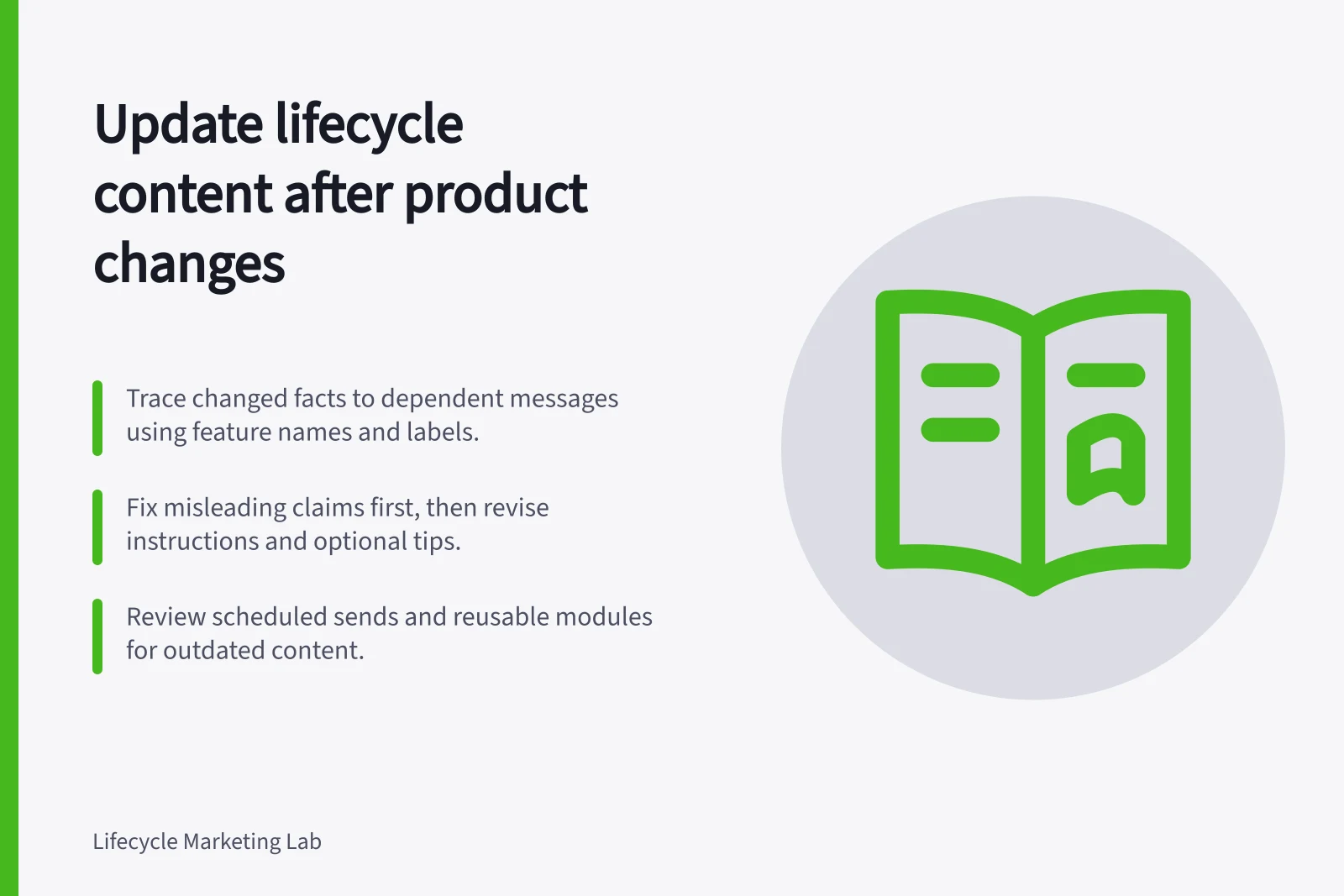
Trace a product change through lifecycle messages, prioritise inaccurate claims and review shared content and queued sends before release.
Trace each changed product fact to the messages that depend on it, then update lifecycle content. Fix claims that could mislead customers first, then revise instructions, examples and optional tips. Review scheduled messages as well as published templates: a corrected help page cannot repair an outdated email waiting to send.
Write the change as a customer-facing fact
Start with the confirmed description from the release or product owner. Record what changed, when it applies, who is affected, which older behaviour still exists and what customers can now do. Distinguish an announced change from one already available to every eligible account. If rollout varies by plan or cohort, the content needs that qualification.
Suppose a product team renames a setup control. Find instructions that use the old name. If the control also moved or its access changed, replacing the label alone is insufficient. Check the complete action the customer is asked to take.
Before vs After: Product Change Messaging
- Old DescriptionThe 'Setup Wizard' is available in all plans and guides users through account configuration.
- New DescriptionThe 'Account Onboarding Flow' is now available only in Pro and Enterprise plans, and includes automated setup steps with optional customisation.
Trace the dependency across content
Search the content inventory by feature name, old label, plan, screenshot description and customer task. Include email subjects and bodies, reusable modules, SMS, in-product prompts, landing pages, help content and support macros used alongside the journey. For each item, ask whether the change affects its headline, steps, destination or eligibility rule.
Sort the findings by consequence:
- Hold or correct now:a false promise about access, price, availability or a required action.
- Revise before the next relevant send:an instruction that will fail for an affected customer.
- Schedule editorial maintenance:an example or optional tip that remains usable but no longer describes the current experience well.
Check shared content and waiting sends
A reusable module can shorten an edit, but it does not prove every dependent message updates. Braze Content Blocks support reusable cross-channel content, and a block’s name is used in its Content Block Liquid Tag. Record how each use was inserted, preview the complete message after changing it, and check other systems separately.
Review delayed sends against the effective date and the recipient’s product version. Hold or replace copy that describes an old route that no longer works. If some customers still use that route, direct each version using reliable eligibility data. Inspect other campaign and service queues carrying the same instruction.
Release and verify the revision
Have the product owner confirm the new action, the content owner approve the wording and the journey owner review affected sends. Compare an old-version customer, a new-version customer and one whose version is unknown. Check the intended final message and destination for each path.
Record the changed content IDs, approved wording, effective date and unresolved exceptions. If customers report that an instruction still fails, investigate the product state and the message they received before making another broad copy change.