Channel Orchestration
Part of Cross-channel lifecycle orchestration
Preventing conflicting messages from different lifecycle journeys
Find contradictory lifecycle messages across journeys, recheck their assumptions at send time and resolve collisions across separate queues.
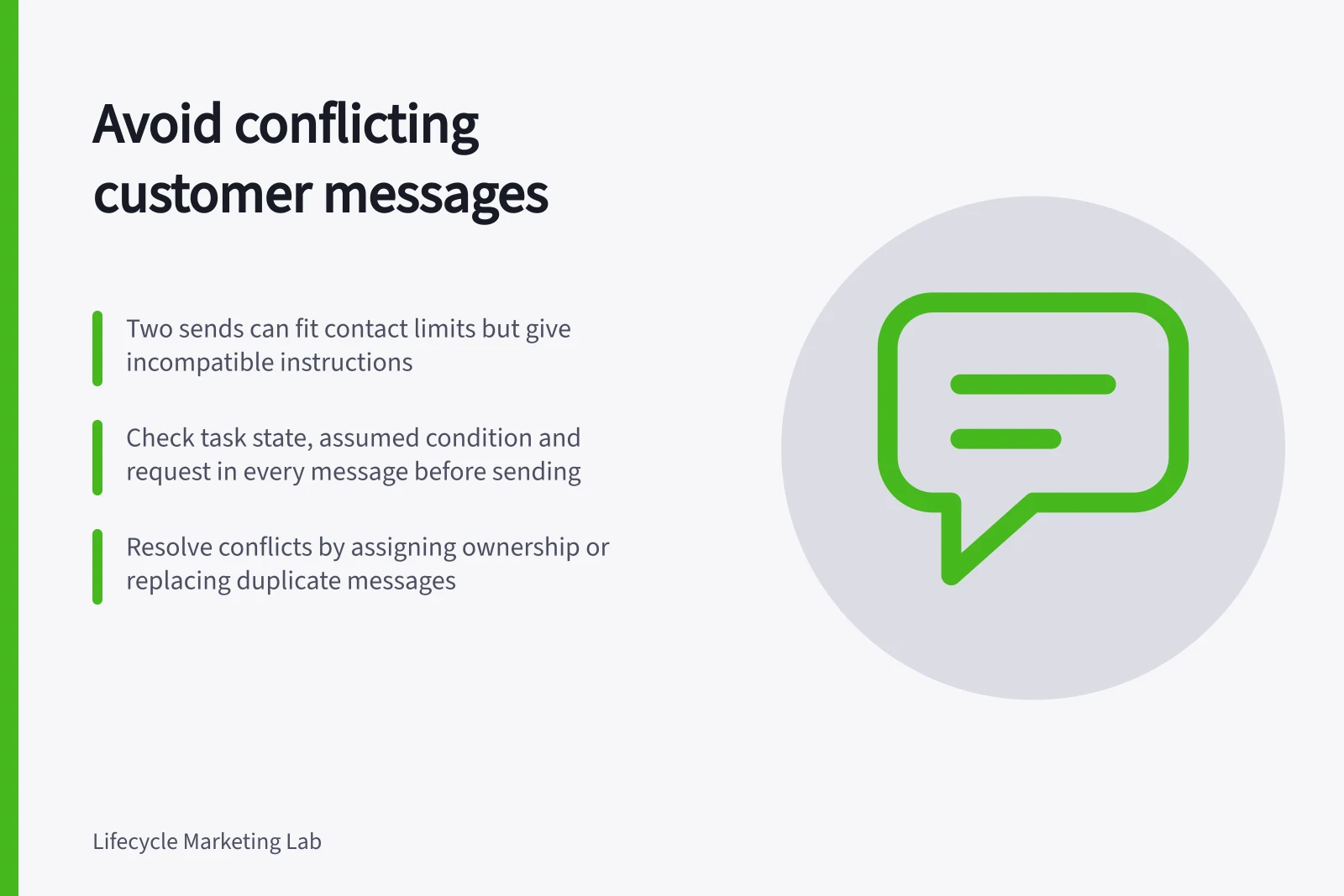
Prevent conflicts between journeys by comparing what each proposed message claims and asks the customer to do. Two sends can fit a contact limit and still give incompatible instructions. Find the collision in the customer's full message history and resolve it before either send.
Identify the contradiction
For every relevant journey and scheduled campaign, record the customer task, assumed state, main request, evidence and the event that would make the message stale. Include any sales or service sequence that can reach the same person or account.
| Conflict | Question to examine |
|---|---|
| Opposite state claims | Does one message say a task is incomplete while another acknowledges completion? |
| Competing actions | Are teams requesting different next steps for the same issue? |
| Inconsistent terms | Do messages describe different current options or conditions? |
| Crossed ownership | Has a person taken over a conversation that automation still addresses? |
| Stale timing | Did a correction or new issue arrive while a message was queued? |
A shared topic is not necessarily a conflict. Identify the specific claim or action that cannot safely coexist; do not suppress every message on that topic.
Check each message's assumptions at send time
Suppose a hypothetical workspace sends setup guidance and, from another journey, an announcement about an advanced feature. If access requires completed setup, the announcement needs a current eligibility check.
If setup is completed while a reminder waits, the reminder needs to stop. The issue is the contradictory assumption across two paths, not the wording within one onboarding sequence.
Name the source of the task state and check the person or account identifier both paths use. A delayed event or uncertain identity may leave the state unknown. Hold a specific claim for review, or use wording that does not assert completion or failure.
In Customer.io, a configured action condition can skip one message while the person continues through the automation. An automation exit condition can end that path. Neither establishes what a separate campaign or sales queue will do. Inspect those queues whenever a shared state changes.
Resolve the collision across queues
Assign an owner or handover route for the overlapping messages. Decide whether one message remains useful, whether one can wait without becoming stale, or whether a single clear response can replace both. Record the decision so another queue does not repeat the conflict.
A frequency cap controls volume, not message meaning. Braze's Message Prioritization ranks only messages opted into the feature, assigned a category and counted towards the same applicable cap. A message outside that ranked pool can still use cap capacity. Check the configuration before relying on a priority label to resolve a customer-facing conflict.
Before release, review the message for any applicable compliance requirements. A factual note alongside a promotion may affect how customers interpret the message.
Key Compliance & Messaging Guidelines (Australia)
- ACMA Spam RulesAvoid sending spam; ensure opt-in consent and clear unsubscribe options.
- Customer.io Action ConditionsUse to skip messages based on real-time state changes.
- Braze Message PrioritizationOnly applies to messages in the ranked pool; does not resolve semantic conflicts.
Inspect outcomes
Before release, review histories with two triggers on the same day, a task completed during a delay, a late completion event, a human handover and a scheduled campaign outside the main automation. For each, identify the message to send, the one to skip and the owner of an exception.
After launch, examine contradictory replies and messages sent after their assumed state changed. Keep event and send times when investigating a misfire. Repair the state rule or queue connection that allowed it, then reassess other waiting messages affected by the same fault.