
Lifecycle Experiments
Part of Lifecycle operations and monitoring
Monitoring unexpected drops in journey entry
Diagnose a fall in lifecycle journey entry by checking eligibility, event delivery, filters, repeat entry and reporting units.
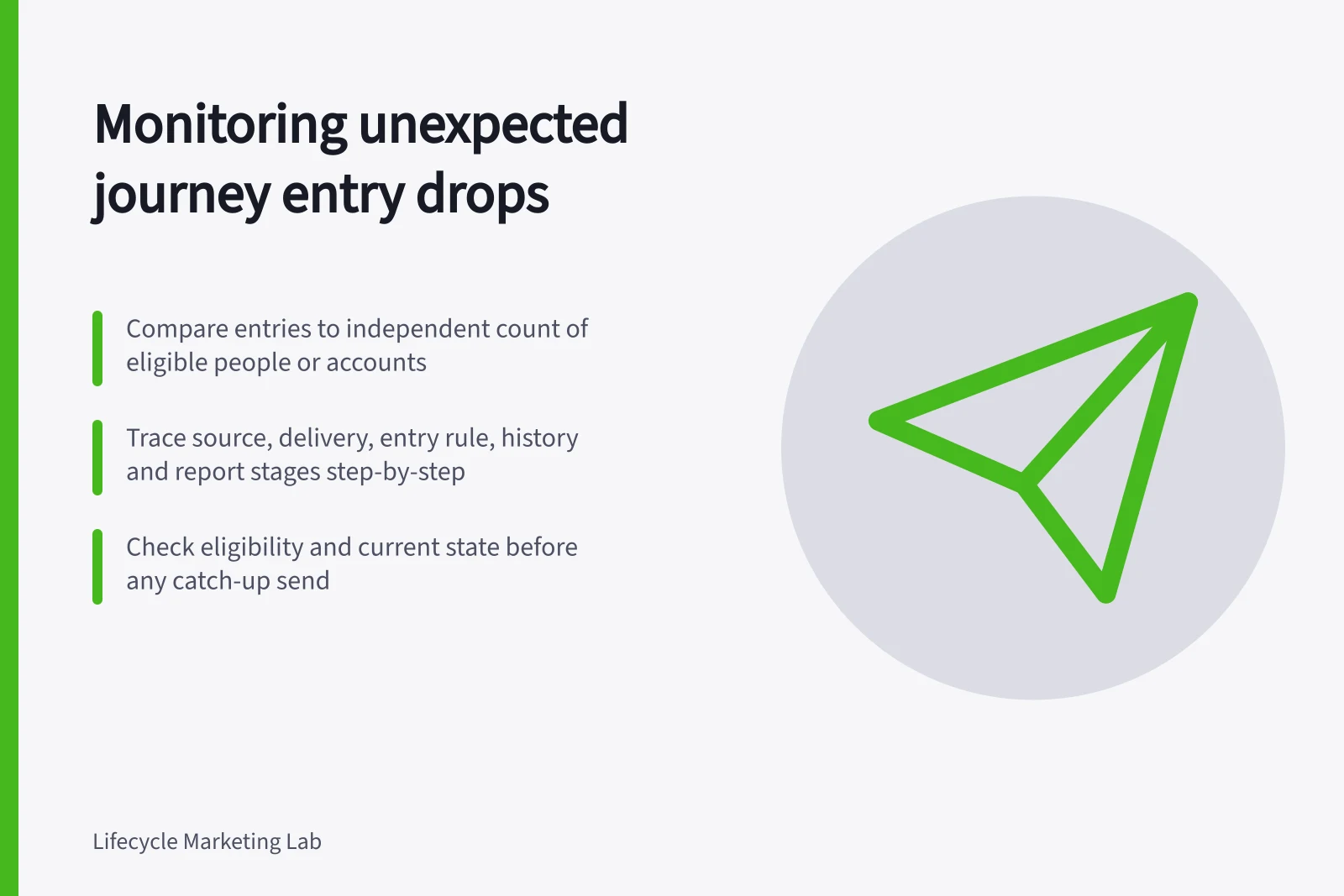
When journey entries fall, first ask whether fewer customers became eligible. Compare entries with an independent count of eligible people or accounts for the same period and unit. If eligibility held steady, trace the source event, processing, filters and the live entry rule before changing the journey.
Define the comparison
Choose a baseline that fits the journey's rhythm. Compare a weekday sign-up path with similar weekdays; a renewal path may need a longer window and its expected agreement cohort. Show counts beside rates. A sharp percentage change in a very small group may represent only a few customers.
Define the denominator separately from platform entries. A count of source actions is useful only after applying the eligibility rule and reconciling person, account and repeat-entry units. Mark late-arriving data as provisional. Set an alert from observed variation and the consequence of missing a timely response; there is no universal drop percentage.
Key Metrics for Journey Entry Monitoring
- Baseline period
- Weekday (Mon–Fri)
- Data lookback window
- 30 days
- Alert threshold
- No universal percentage – set based on consequence
Trace missing entries
- Source:Did the qualifying action or state change occur? A fall here may reflect demand, a product change or missing tracking.
- Delivery:Did the event reach the destination with the expected identity, name, properties and timing?
- Entry rule:Was the journey running, and did the person or account meet its trigger, filters and frequency rule?
- History:Had this unit already entered under the configured repeat-entry rule?
- Report:Does its date and counting unit match the source comparison?
For Customer.io event-triggered automations, check that the automation was live, the event met its trigger and data filters, any segment filters matched in the documented window, and the frequency setting allowed entry. Profile activity distinguishes the event's Timestamp from Processed At.
Visible profile activity has a 30-day lookback in this troubleshooting context. Documented timestamp conditions can prevent a late or backdated event from starting an automation. Processing after launch alone is therefore insufficient evidence that it should have entered.
A fall in sent messages is a separate question. Someone may enter and then skip a message because of an action condition or fail to receive it because of subscription or message-limit settings. Customer.io records those outcomes separately from entry. Establish that entries are missing before repairing an entry rule.
Decide what to do with missed customers
Identify who was eligible but did not enter, then check whether the intended response still helps. A setup prompt may be obsolete after completion; a current service need may require a person to respond. Review current state and permission before any catch-up send. Replaying source events without checking repeat-entry settings can create another journey instance.
Record the first affected time, eligible source count, entries, sample histories, cause and response. After a fix, compare new qualifying actions with new entries. Keep the old backlog separate from evidence that the path is working again.
Pre-Fix Verification Checklist for Missed Entries
- Identify eligible but unentered customersYes
- Review current state and permissionsYes
- Check repeat-entry rules before replaying eventsYes
- Record first affected time and causeYes


