Journey Governance
Part of Lifecycle programme governance
Documenting changes to a live journey
Record a live journey change’s rationale, affected customers, approvals, deployed settings and verified outcomes.
Record each live journey change with its rationale, affected customers, what happens to people already in the path, and the approver. After release, add the deployed configuration and verified outcomes. A platform audit log can help reconstruct an edit, but it cannot supply the customer rationale or approval decision.
Record the proposal and affected people
Identify the journey and current version, requested change, reason, owner, approvers, planned release time, and affected data or message dependencies. Describe current and proposed behaviour in customer terms, for example: “An account that completed setup during the wait will skip the reminder.” Keep the proposed rule or copy version with the record.
Account for future entrants, people already waiting, drafted or queued messages, and messages already sent. State what should happen to each group. A new entry filter, shorter delay and revised email can affect them differently.
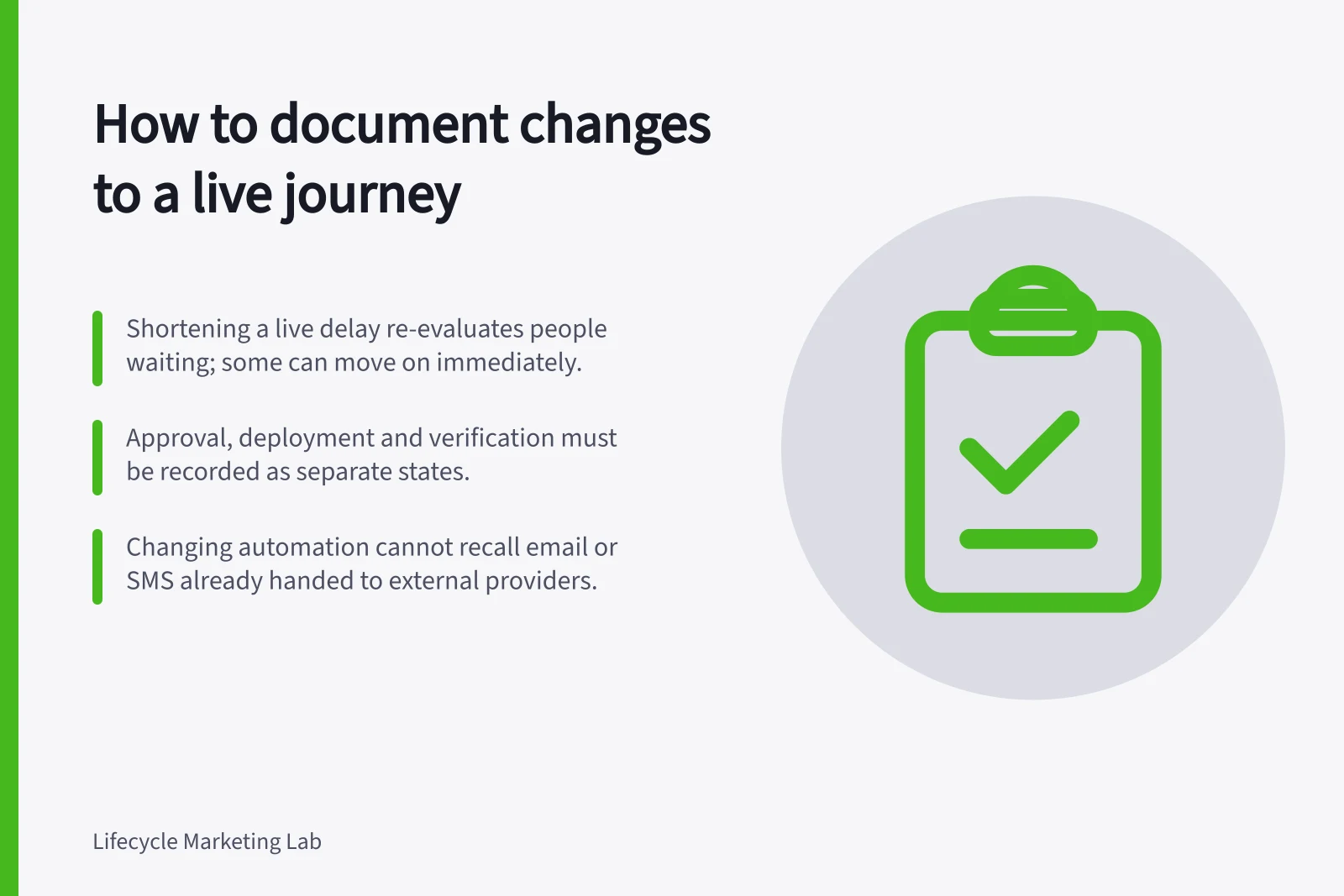
Customer.io documents that shortening a live delay re-evaluates people waiting in it; some can move to the next action immediately. Saving edited message content updates drafts, but cannot update messages already sent. These are effects of particular Customer.io edits, so check the behaviour of the system and configuration in use.
Live journey change proposal record
- Journey and current version
- Requested change and reason
- Owner and approvers
- Planned release time
- Affected data or message dependencies
- Current and proposed behaviour in customer terms
- Proposed rule or copy version
- Future entrantsstate expected handling
- People already waitingstate expected handling
- Drafted or queued messagesstate expected handling
- Messages already sentstate expected handling
Customer.io live-edit effects to verify
- Shortening a live delayRe-evaluates people waiting in it; some can move to the next action immediately.
- Saving edited message contentUpdates drafts, but cannot update messages already sent.
- Changing an automation after sendCannot recall email or SMS already handed to external delivery providers.
Separate approval, deployment and verification
The journey owner approves the customer-path decision. The relevant data or metric owner reviews changes to a definition, the content owner approves new claims, and a sales or support owner reviews an affected handover. Name who may release the change and who will respond if the path fails.
Record approval of the proposed behaviour, deployment of a specified configuration at a specified time, and verification of the resulting paths as separate states. A saved editor screen establishes none of the customer outcomes on its own.
For an audience or copy change to commercial email or SMS, record who checked the revised recipient rule and final message. An earlier approval does not show that the changed audience or offer was reviewed.
Check and close the change
Before release, set expected outcomes for a new entrant, someone already waiting, someone who completes the task during a delay, and someone with a relevant open issue. Include a customer who should still receive the message. Inspect scheduled campaigns and sales sequences carrying the same claim.
After release, record the actual settings, time, reviewer, observed path outcomes, and discrepancies. Workspace audit logs record changes team members and Customer.io made to the workspace.
Each entry shows an activity and timestamp; clicking an activity shows more details. Available history and export periods depend on the plan. Keep the approval and customer-impact explanation in the team’s own durable record.
If verification finds a fault, record whether future sends were held, a previous rule was restored, affected messages were corrected, or cases were handed to a person. Account for messages already sent: changing an automation cannot recall email or SMS already handed to external delivery providers. Close the record when the affected population and next action are clear.
Pre-release and post-release verification checks
- Expected outcomea new entrant
- Expected outcomesomeone already waiting
- Expected outcomesomeone who completes the task during a delay
- Expected outcomesomeone with a relevant open issue
- Expected outcomea customer who should still receive the message
- Inspect scheduled campaigns and sales sequences carrying the same claim
- After releaserecord actual settings, time and reviewer
- After releaserecord observed path outcomes and discrepancies
- If faultrecord whether future sends were held, a previous rule was restored, messages were corrected, or cases were handed to a person
- Close the record when the affected population and next action are clear
- Workspace audit logsRecord changes team members and Customer.io made; each entry shows an activity and timestamp, and clicking shows more details. Available history and export periods depend on the plan.
- Messages already sentChanging an automation cannot recall email or SMS already handed to external delivery providers.